Clear out duplicates you didn't know you had
Finds photos with identical file size, resolution, and format. Spots double-saves from AirDrop or export mistakes and clears them up safely to reclaim storage.
iOS 17+ / iPad supported
Group similar shots into stacks, pick your best, and delete the rest in one tap. With Keep protection, a confirm dialog, and a 30-day recovery window built in, you can reclaim storage without losing a single memory.
Features
Stack similar shots, compare side-by-side, and decide in seconds. A powerful photo organizer for iPhone and iPad that puts you in control.
Burst shots and bracket sequences are automatically grouped into Stacks. The split-pane full-screen compare puts resolution, file size, and format side by side, so the stronger shot is obvious at a glance.
Tap Keep on the one you're keeping and it stays out of the delete queue — swipe-up and bulk-delete included. That's what lets you run the final sweep with confidence. (The ♥ Favorite mark is display-only; Keep is the only deletion protection.)
Swipe up to queue what goes. Kept photos are excluded automatically, a confirm dialog guards the final step, and deleted photos stay in Recently Deleted for 30 days. Reclaim your storage without hesitation.
Finds photos with identical file size, resolution, and format. Spots double-saves from AirDrop or export mistakes and clears them up safely to reclaim storage.
Surfaces well-shot photos you haven't kept yet. Available once you've kept 80 or more photos — tap to Keep the ones you like.
Sections organized by capture date, camera model, file format, aspect ratio, EXIF data, or season — find exactly the photos you want to clean up, fast.
Pinch in or out to instantly change the column count. Switch between a clean square grid and a native aspect-ratio layout to suit your workflow.
The same anchor-range drag selection you know from the native Photos app. Select hundreds of photos in a single gesture and send them to the delete queue.
Zero network traffic. Photo data, EXIF metadata, and thumbnail generation all happen entirely on your device — no internet connection required.
Screenshots
Keep protection, storage relief, stack organizing, quick filters, and fully on-device processing.
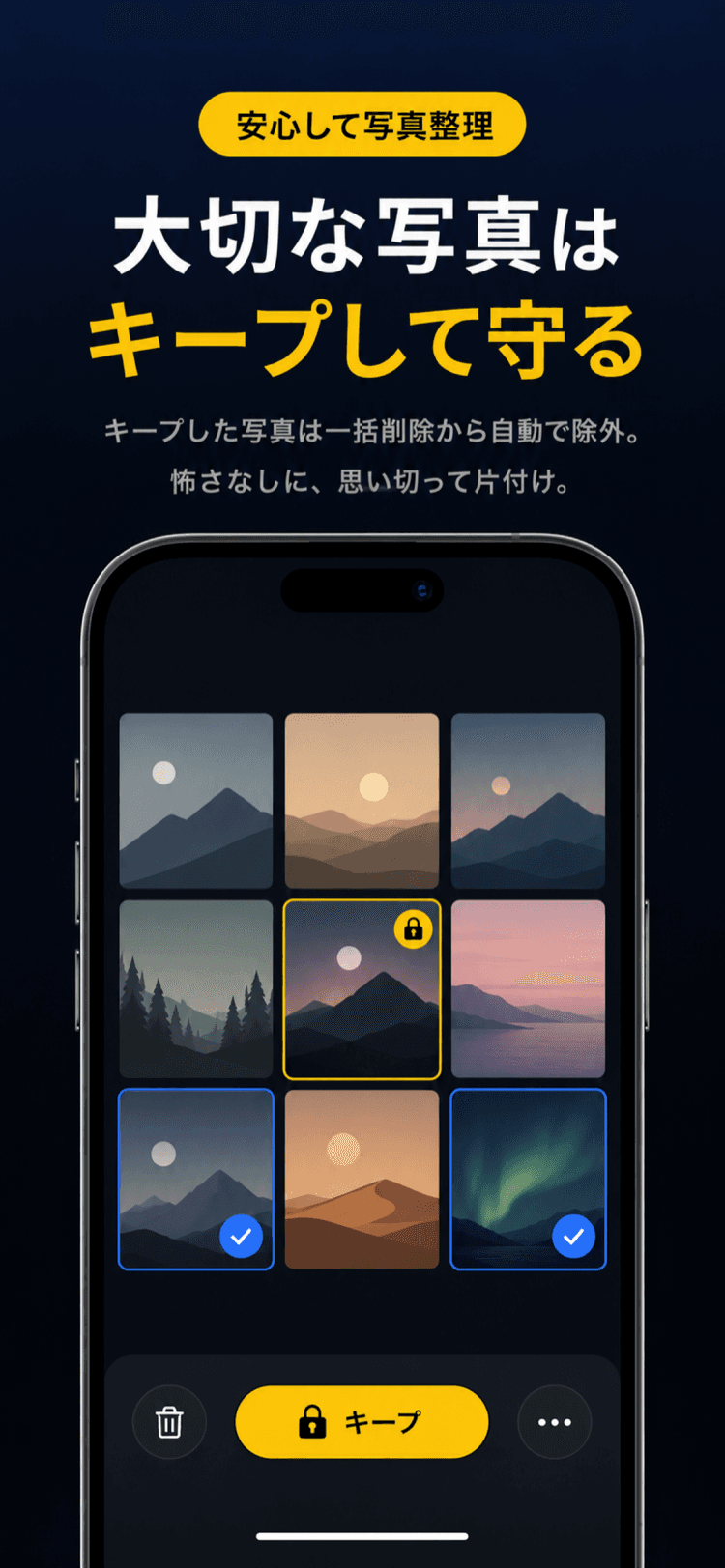
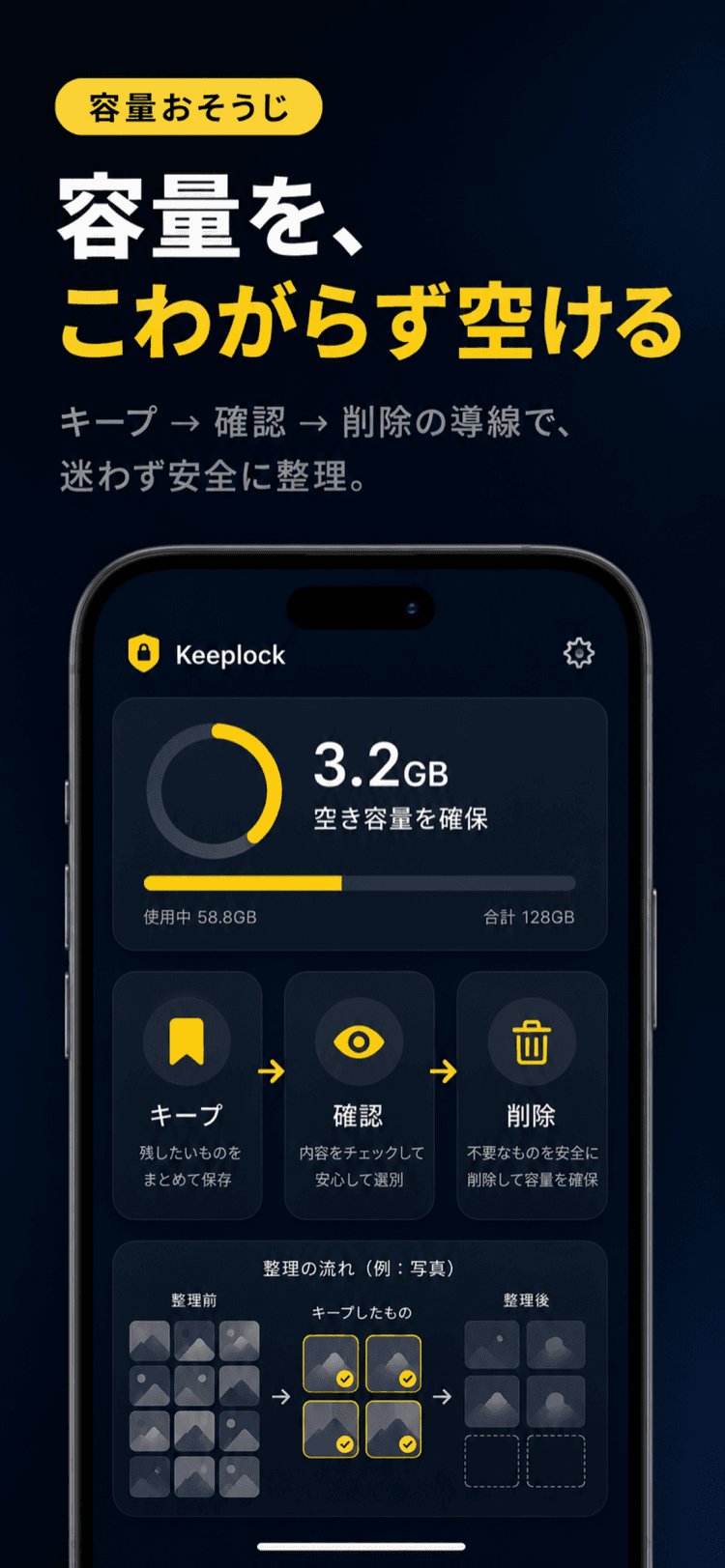
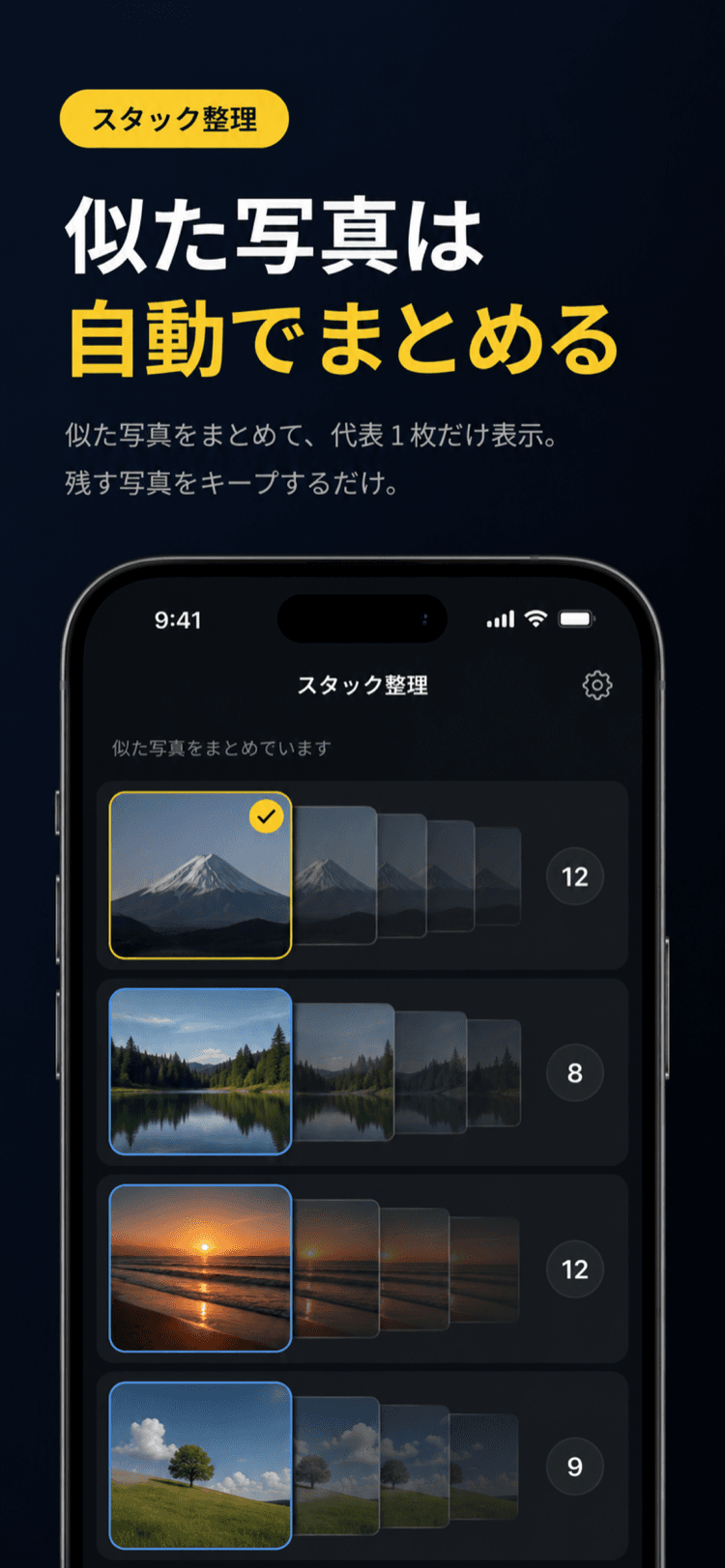
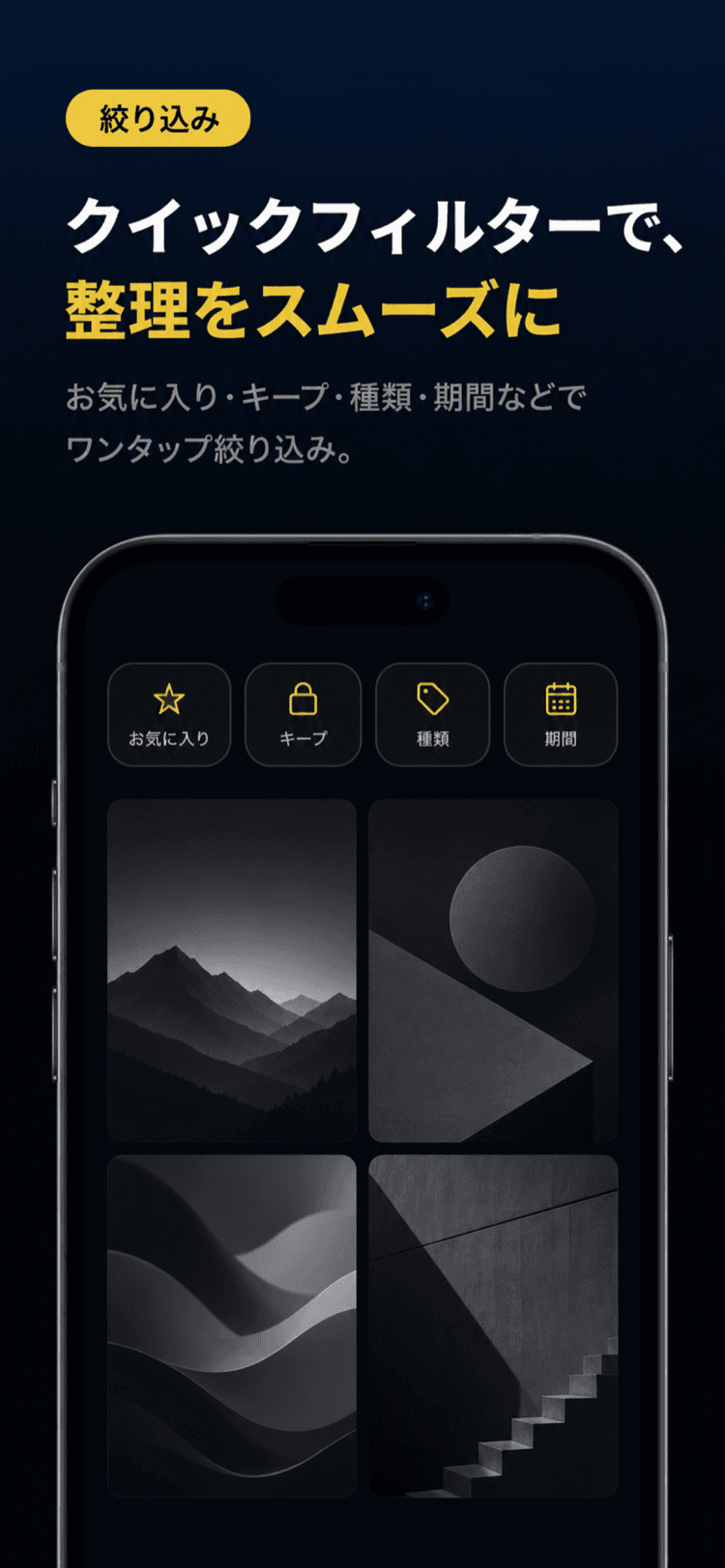

Photo analysis, stack grouping, thumbnail generation, and duplicate detection all run on your iPhone or iPad. Your photos, EXIF data, and location never leave your device.
Pricing
The free plan covers browsing, selection, and deletion with up to 100 Keep slots. Premium unlocks unlimited Keep, Best Shots bulk-delete, and the full feature set.
Perfect for getting started.
Start on App Store~25% off vs monthly.
Start yearlyPay once, use forever. No auto-renewal.
Buy lifetimeSubscriptions auto-renew. Unless cancelled at least 24 hours before the end of the current period, your subscription will automatically renew. Cancel anytime from App Store settings.
FAQ
Any photo stored locally on your iPhone or iPad. Photos that exist only in iCloud (not yet downloaded to your device) are not included — only locally available files are organized.
Stacks automatically group similar shots — burst sequences, bracketed exposures, and near-duplicates — into a single cell, compressing your review queue so you're never stuck scrolling through near-duplicates one by one (think Google Photos' grouping or Lightroom's Stacks). Just pick the one photo you want to keep from each Stack. This feature is called Best Shots.
The full-screen compare view shows two photos side-by-side with resolution, file size, and format displayed for both. Pick the higher-resolution or larger version at a glance — no zooming or switching apps required.
Keeplock automatically flags photos with identical file size, resolution, and format as duplicates — the double-saves you didn't even notice were eating up storage — so you can clean them up safely in bulk.
Tap Keep (🔒) on any photo you want to protect — it will never appear in the delete queue, not even during swipe-up or bulk-delete. A confirm dialog also appears before any deletion is finalized. And if something does get deleted, you can recover it from the Photos app → Albums → Recently Deleted within 30 days.
Deletions from Keeplock move photos to the Photos app's Recently Deleted album. You can restore them from there within 30 days. After 30 days they are permanently removed.
No. Photo data, EXIF metadata, and thumbnail generation all happen entirely on your device. Keeplock works with no internet connection at all.
Yes. Keeplock is fully compatible with iPad. Pinch-to-resize columns and the aspect-ratio grid toggle work just as on iPhone.
iOS 17+ / iPad supported